
In this last article, we saw how to use Github Copilot to assist us in development, whether in terms of autocompletion, code suggestions for unit testing, or object creation.
However, one problem remained: it was not possible to develop in “agent mode” with tools such as Github Copilot or Claude Code, at best a copy-paste of the generated code.
Today, I offer you two solutions that I use on a daily basis and that now allow me to code within ABAP environments without using Joule For Developer.
Github Copilot in “Agent” mode
Using MCPs with Claude Code
Github Copilot in “Agent” mode
As you can see in this discussion, the Agent Mode version in GitHub Copilot for ADT is now available in GitHub Copilot Nightly.
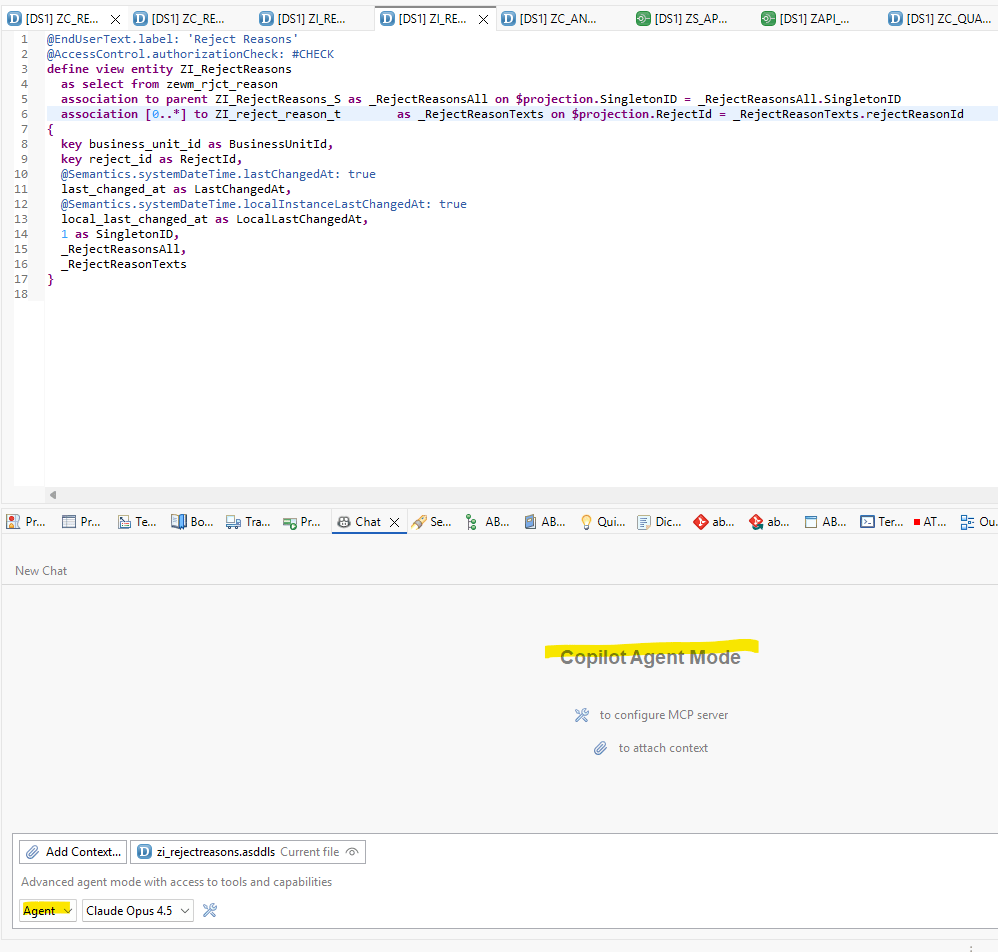
With this solution, you can now chat directly with the agent, who will independently write the code in your SAP environment.
Here’s an example of what happens when I ask to add a new field to my CDS:

And it’s done !
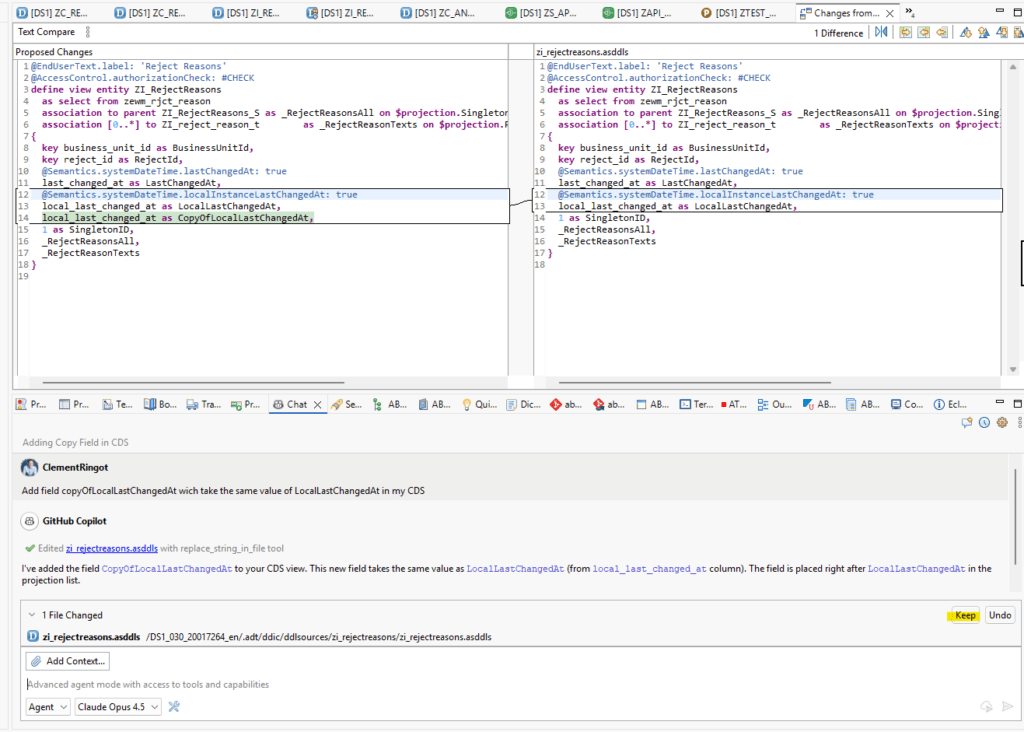
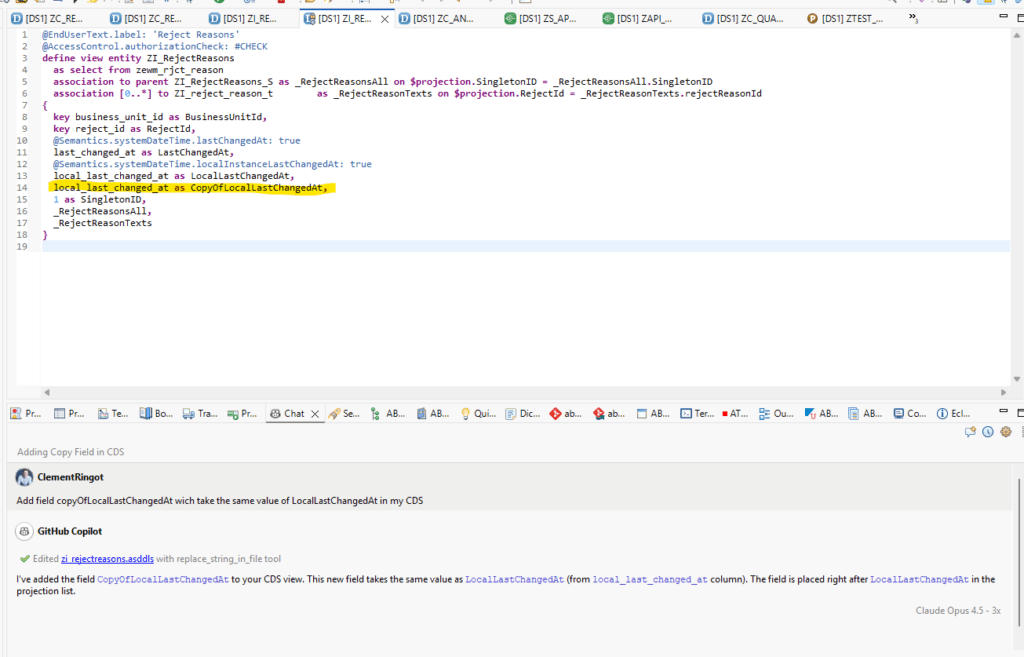
You can now keep or cancel the change. If you keep the change, the CDS is correctly updated:
Using MCPs with Claude Code
Despite this significant progress, my personal preference is for Claude Code and the use of community MCPs.
- mcp-sap-docs : From Marian Zeis
- vibing-steampunk : From Alice Vinogradova
mcp-sap-docs gives agents access to SAP documentation, enabling them to write ABAP code more efficiently and solve complex problems on the SAP stack.
The easiest way to use it is to add this URL to your MCPs: https://mcp-sap-docs.marianzeis.de/mcp.
However, you can also deploy it locally.
As for vibing-steampunk, it is an MCP that allows AI agents to directly access your SAP server to read/analyze/push code.
To use it, you will need to PULL the Github repository onto your workstation, then configure the connection to your system. It’s not complicated if you follow the README.md.
Personally, I use the configuration via a cookies.txt file, which allows me to authenticate myself via SSO to my system.
Once the installation is complete:
- Launch Claude Code from Eclipse or VSCode
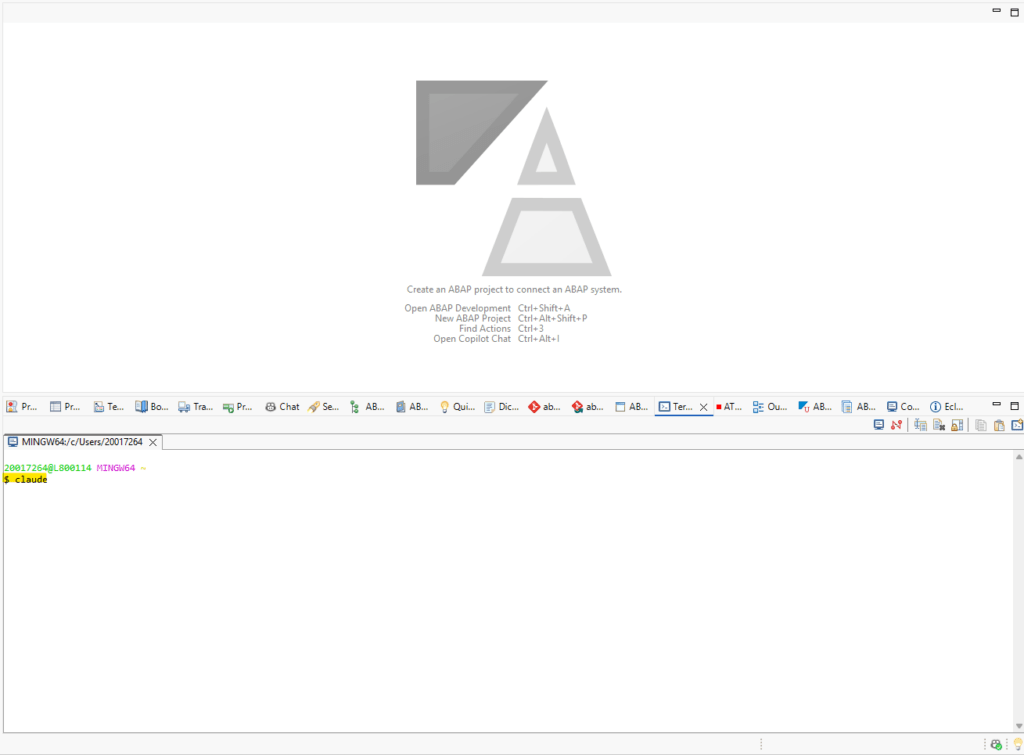
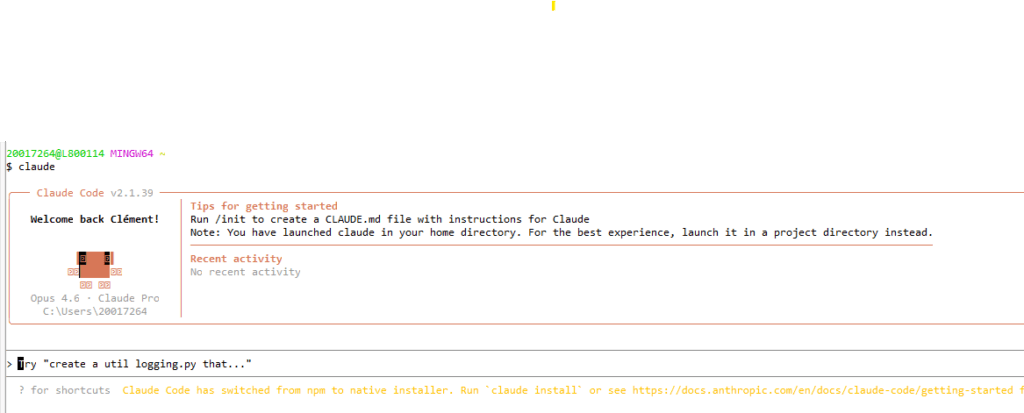
And ask what you want to do in your system. No need to precise that you want to use your MCPs, Claude Code will automatically know when it is necessary to use.
In our example here, we will request the creation of a new CDS:
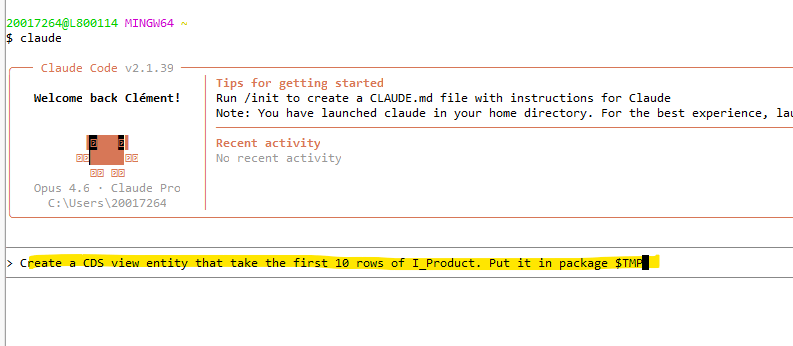
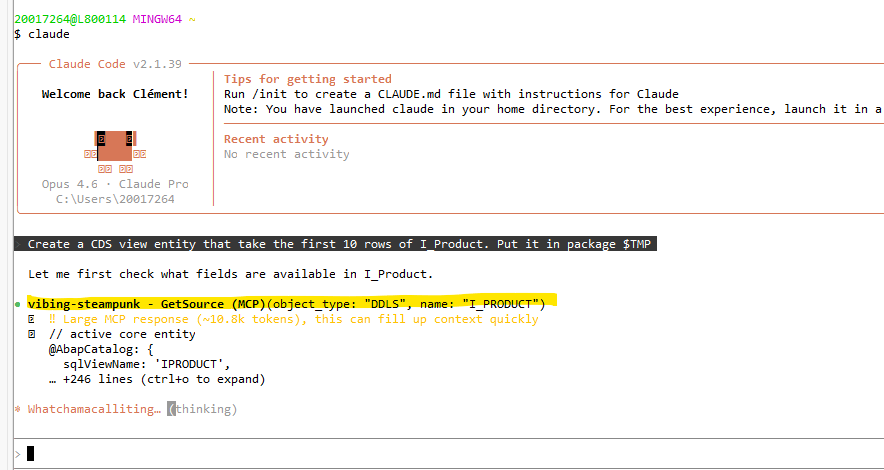
We can see that the agent automatically calls the MCP to come and read the source CDS I_PRODUCT.
Then the agent suggests creating the CDS via the MCP:
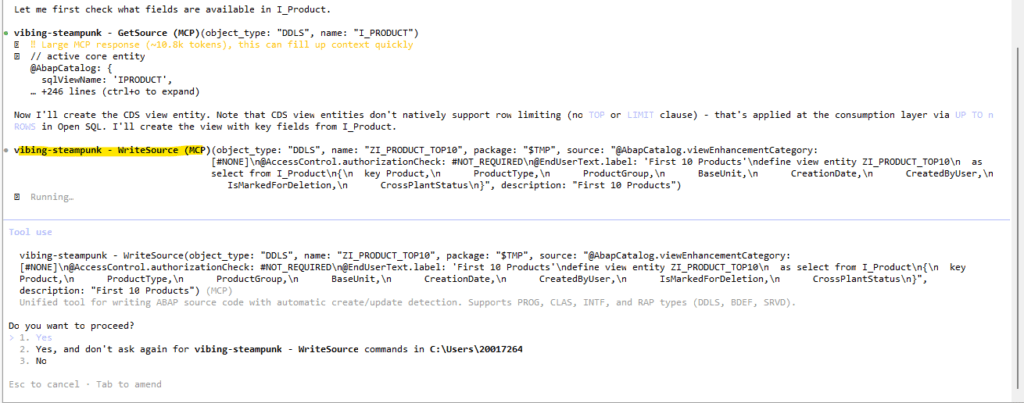
Once this is done and the object is activated, a success message is returned:
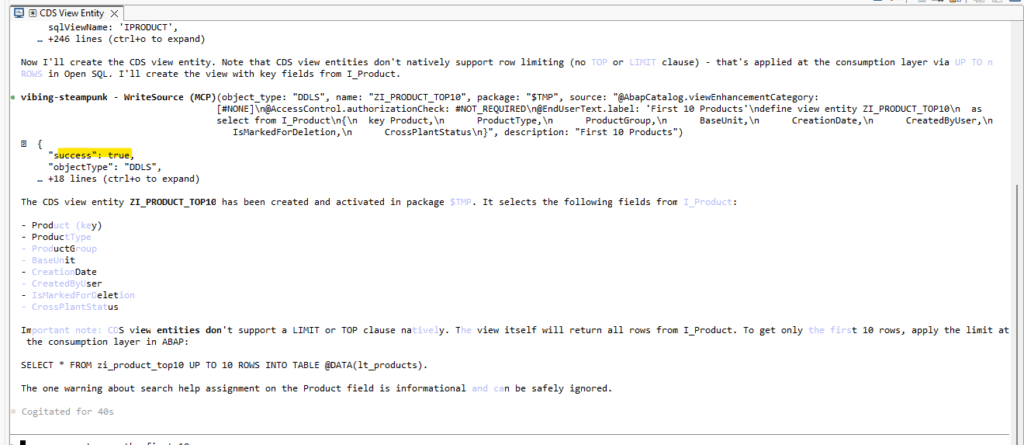
If an error message had been returned, the agent would have automatically corrected the problem.
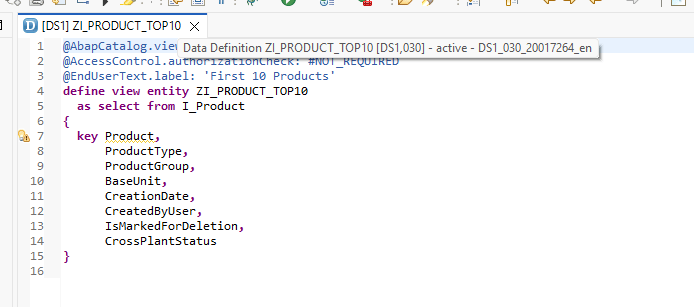
We can now find the CDS created via ADT:
Conclusion
Today, new features are available to us for development with the help of AI agents. It should be noted that with the arrival of ADT on VSCode and, more broadly, on all commonly used IDEs, this will surely reshuffle the deck when it comes to the use of development agents, given that they will likely be integrated more natively.